If you're setting up TikTok Events API or integrating events manually, you’ll need an access token. Here’s a quick guide to getting it from TikTok Events Manager.
Go to TikTok Events Manager
Select the Pixel you’re working with from the list
Click on the Settings tab
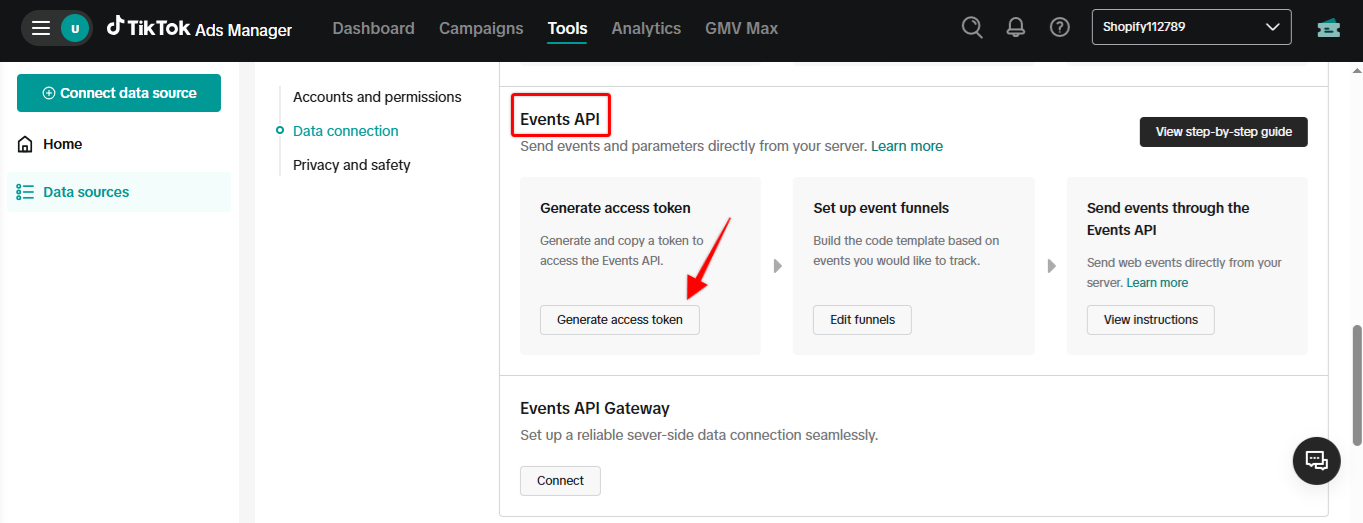
Scroll to Events API
Click Generate access token – TikTok will display your token > Copy and save it
Note:
Access tokens are sensitive. Never share them publicly
You can revoke and regenerate tokens anytime under Pixel settings